Concurrent Engineering in Assai: Smart Collaboration on Maintenance and Projects
Managing operational assets inevitably involves maintenance, repairs, and modifications. Whether it’s scheduled maintenance, expansions, or partial decommissioning, proper documentation is key.
The Concurrent Engineering (CE) module in Assai simplifies and streamlines the management and sharing of documentation.
How does it work?
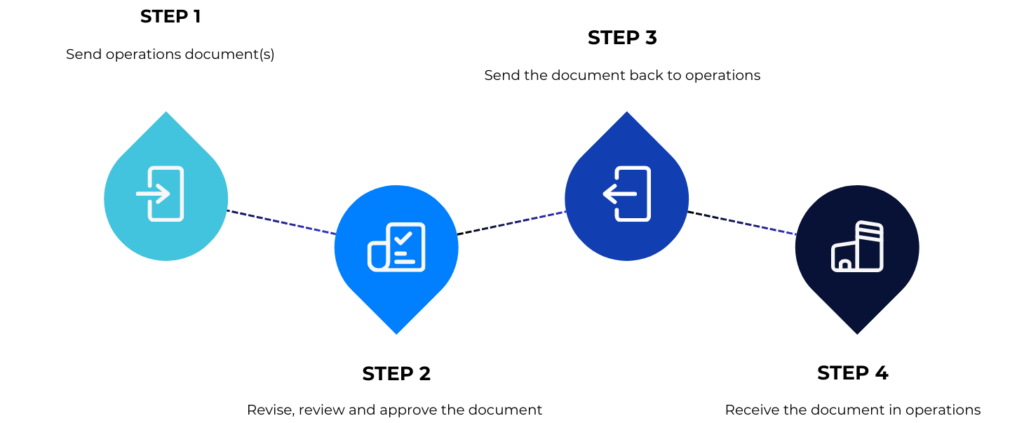
The CE module enables changes to be made to master documents (as-builts) without affecting ongoing operations. The documents are revised and updated in a separate project area, and once fully approved, the new revision is returned to Operations as the latest revision.
Concurrent Engineering (CE) in practice
Why is the CE module so useful?
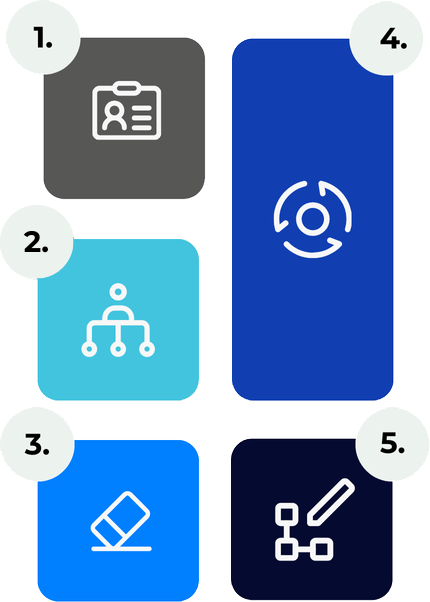
1. Protection of master documents
Master documents remain unchanged until updates are approved and processed.
2. Work simultaneously on multiple projects
Different CE projects can receive the same master documents, each with its unique copy.
3. Smart conflict management
Multiple CE projects can update the same master documents simultaneously. Assai ensures seamless collaboration, preventing conflicts by allowing updates only on the latest master revision—eliminating any risk of information loss.
4. Flexibility and control
Updates can be made in a separate project without disrupting ongoing operations.
5. Full traceability
All activities within the CE module are logged, giving you complete insight into current and completed projects.
Additional benefits
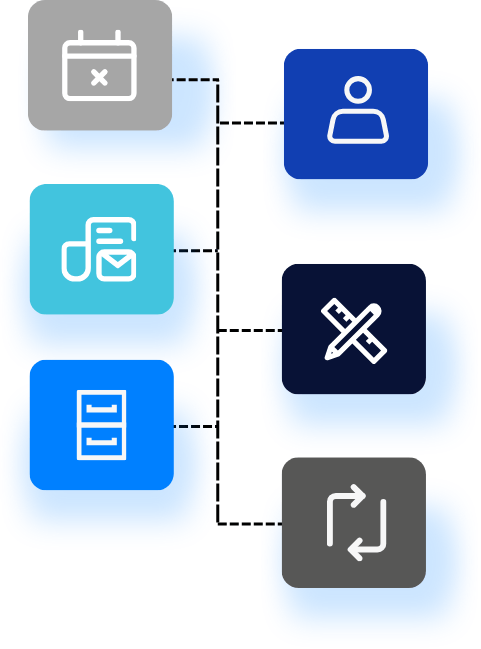
The smart CE module intuitively generates warnings when there is a potential conflict.
Assai’s tools provide assistance to ensure smooth operations.
Automatic email notifications keep all stakeholders informed.
You decide if and when documents are updated; CE transfers can always be cancelled.
Clear notifications and reporting ensure a seamless process.
With the CE module, Assai provides a powerful solution to keep CE projects running smoothly while safeguarding the integrity of master documents.
Want a smarter way to manage document updates without disrupting operations?
See how Assai’s CE Module keeps master documents intact while teams collaborate efficiently. Book a demo today!