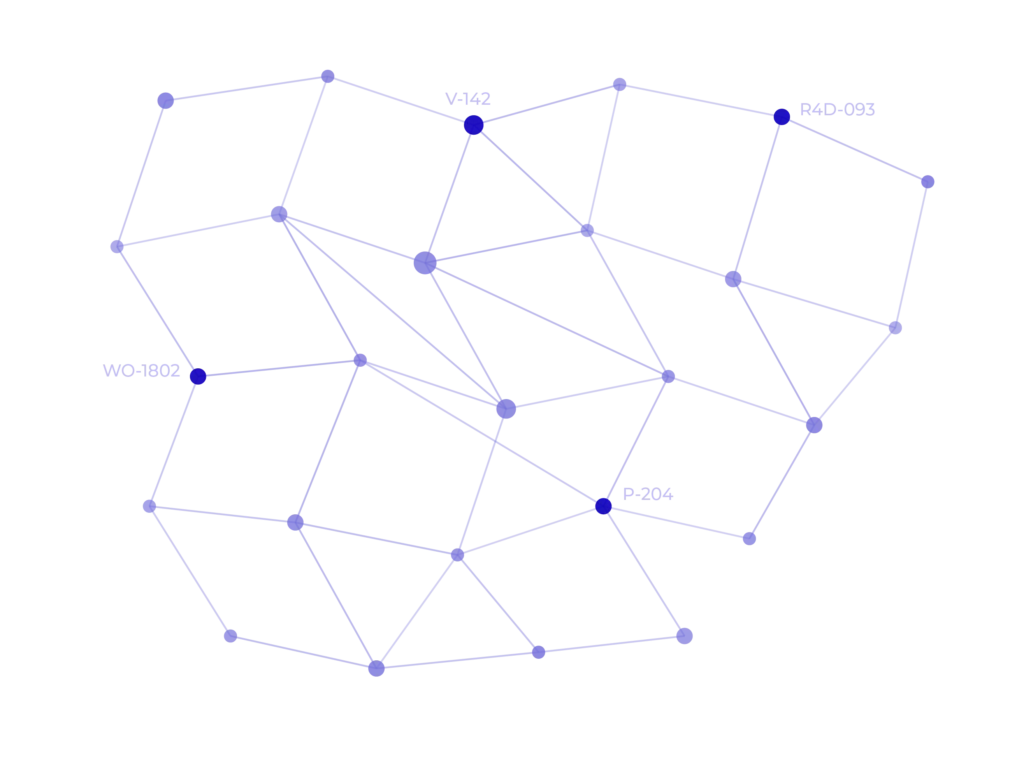
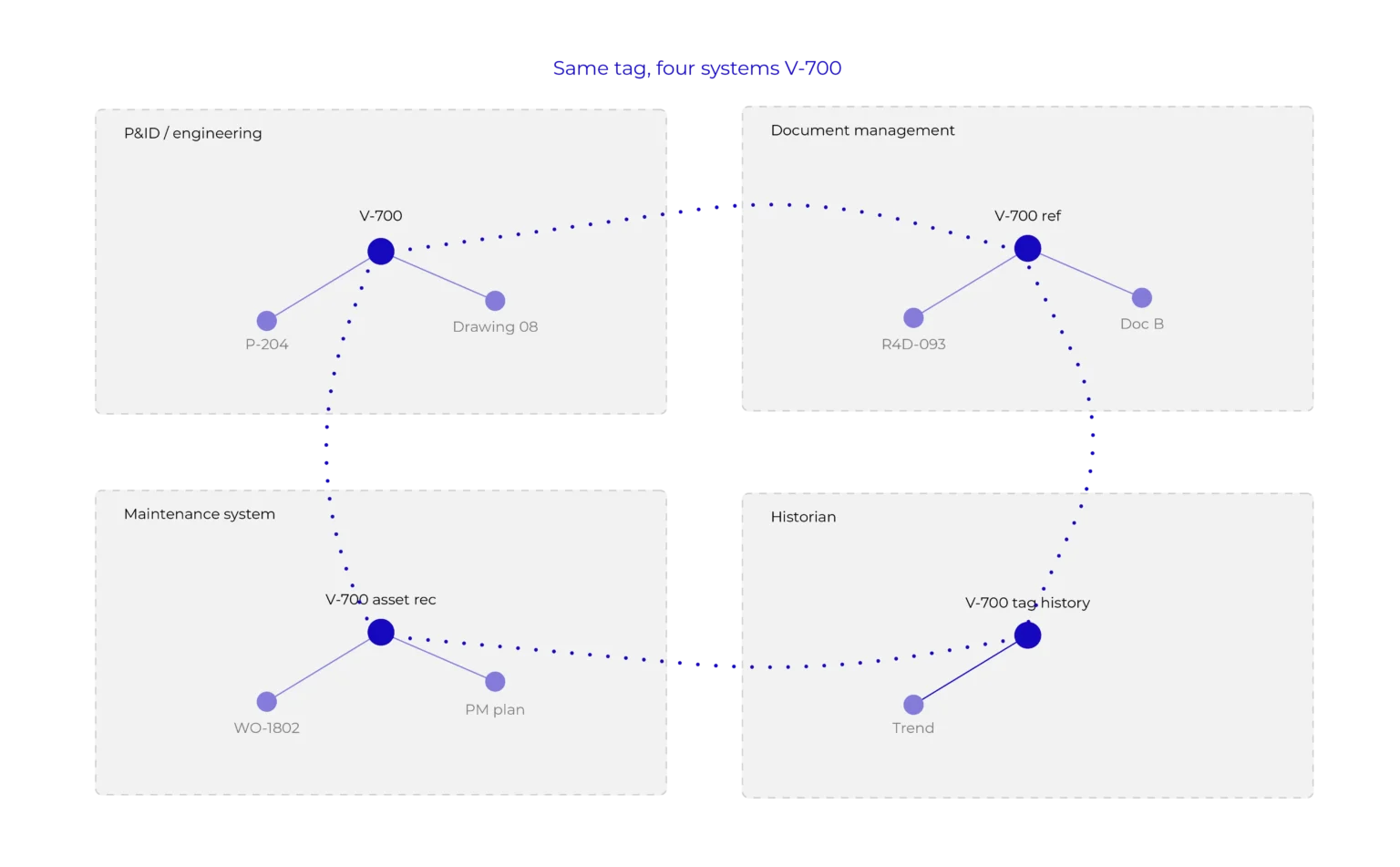
For Assai, an Engineering Knowledge Graph starts with the relationships that already exist across engineering information. A P&ID may contain an equipment tag that corresponds to an asset in a maintenance system, and appears across multiple engineering documents. The relationships are already there. What’s often missing is a way to bring them together.
Each system continues to manage its own part of the information. The relationships provide the wider context, without moving anything into a new repository.
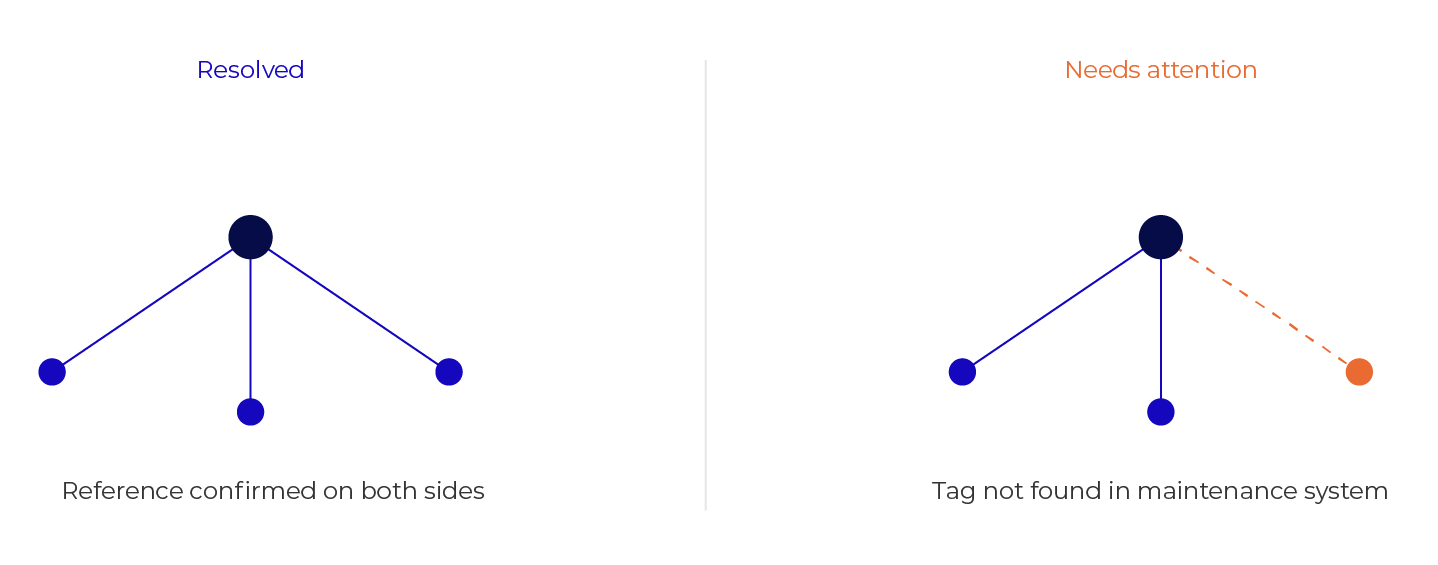
What connects matters. What doesn't connect can matter even more.
If Document A references Document B, you expect Document B to be available. If V-700A appears on a P&ID, you expect matching equipment information in a connected system. When information doesn’t align, the difference is what needs attention.
From information to engineering context
Relationships change how engineering information can be explored, without needing to know upfront which system holds the next piece of it.
01
Find
Start with an asset, equipment tag, document or drawing.
02
Connect
See the P&ID, documentation, work orders and asset systems related to it.
03
Understand
Follow the relationships to build context, without reconstructing it by hand.
03
Verify
Cross-reference sources to surface what’s missing, inconsistent or incomplete.
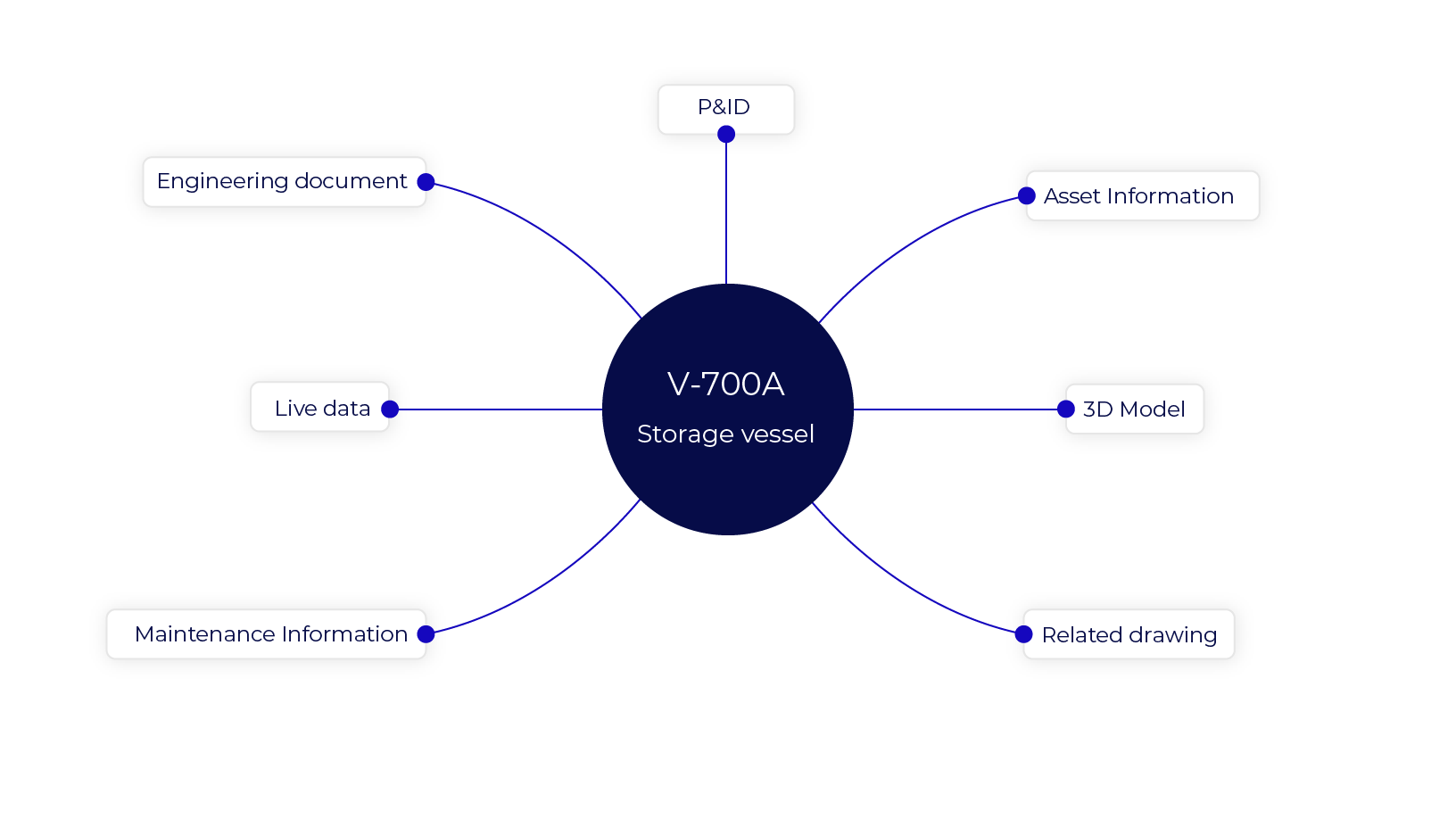
One asset. Many relationships.
V-700A is where we start here, but the same context resolves whichever piece you start from: a drawing, a document, a work order. Understanding this one asset draws on several connected sources.
Assai Viewport
Put engineering relationships to work. Documents, drawings, tags, work orders, asset information and operational information, brought into context without moving the source information anywhere.
Find the asset you need
See its information in context
See your engineering information in context
Connect documents, drawings, tags, assets, maintenance information and operational information across the systems that already hold them.